
Sell passes and session packs


Predictable Revenue

Less Administration

Reduce No-shows
How do passes work?
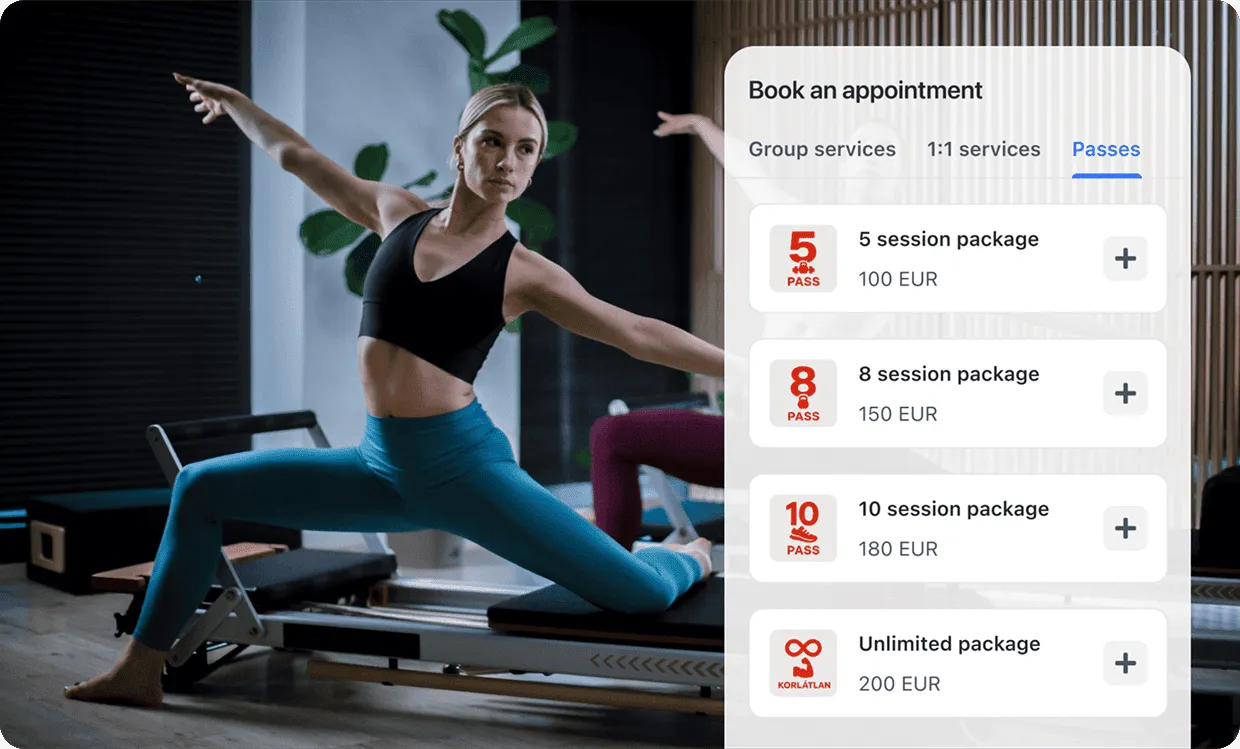
Sell passes online
Let clients buy passes on your booking page.
Show your passes right on your booking page so clients can easily buy them before booking an appointment.
Each pass purchase is automatically linked to the client’s email, sent by email with all details, and invoiced instantly — no manual work required.
Automated usage tracking
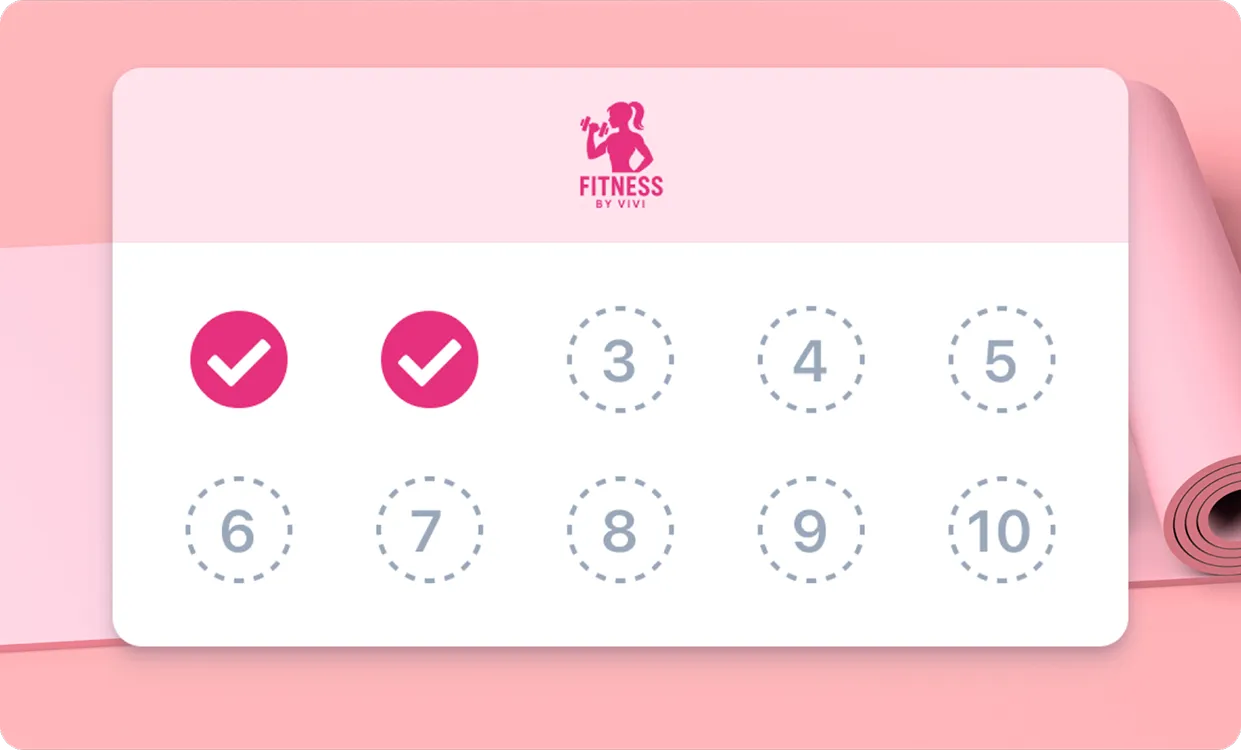
Track passes easily.
See how each client uses their passes directly in their profile. Session counts update automatically after every booking.
You can also assign or edit passes manually, including changing validity dates or remaining sessions for complete control.
Guest app
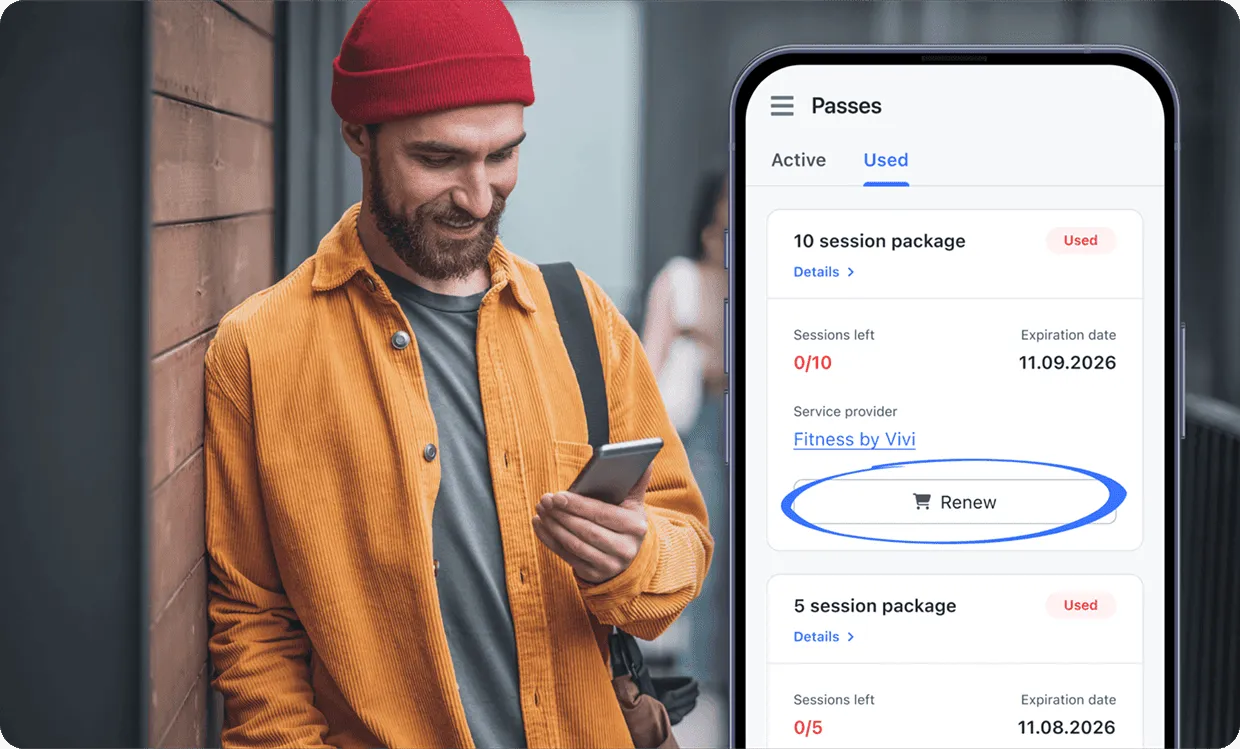
Clients track and renew passes.
Clients can view all their passes in their Guest account.
They can check remaining sessions, and repurchase their packages with one tap, keeping them engaged and coming back regularly.
FAQ
To sell passes online, you need to connect your account with one of the available payment providers in your country. Read more about payment providers.
Available payment integrations depend on your country. Stripe is supported in most countries, and we also offer local integrations. Read more about payment integrations.
Yes, it’s possible to sell your passes offline and assign them to your clients manually. Please note that in this case, your passes are not going to be visible on your booking page. Read more about assigning passes manually.
When clients purchase a pass, it’s automatically linked to their email address. They receive an email with the pass details and pass ID, which can be used for booking. The pass also appears in their Guest account, where they can track remaining sessions, check expiration dates, and renew expired passes. If they don’t have a Guest account yet, they can register here: https://guest.minup.io/sign-up
Yes. Clients can use their passes for booking even without a Guest account, as they receive an email with the pass ID that can be copied and pasted during booking. However, it’s recommended to have a Guest account — when logged in, the active pass is filled in automatically, and clients can easily track and renew their passes in the app. Register here: https://guest.minup.io/sign-up
Yes. Each time a client books and completes a service covered by their pass, one session is automatically deducted from their remaining balance. You don’t need to track or adjust anything manually.
Yes. You can edit any client’s pass directly in their profile — add or remove sessions, change validity dates, or assign new passes manually whenever needed.
The passes feature is available in the Minup Business plan. View plans