
Accept Online Payments


Reduce No-shows

Get Paid Faster

Less Administration
How does online payment work?
Stripe integration
Everything’s built in, no tech skills required.
Online payments work through Stripe, but you don’t need to set up anything complicated.
Stripe is fully built into Minup, so you can manage transactions and payouts right inside Minup, without switching between apps.
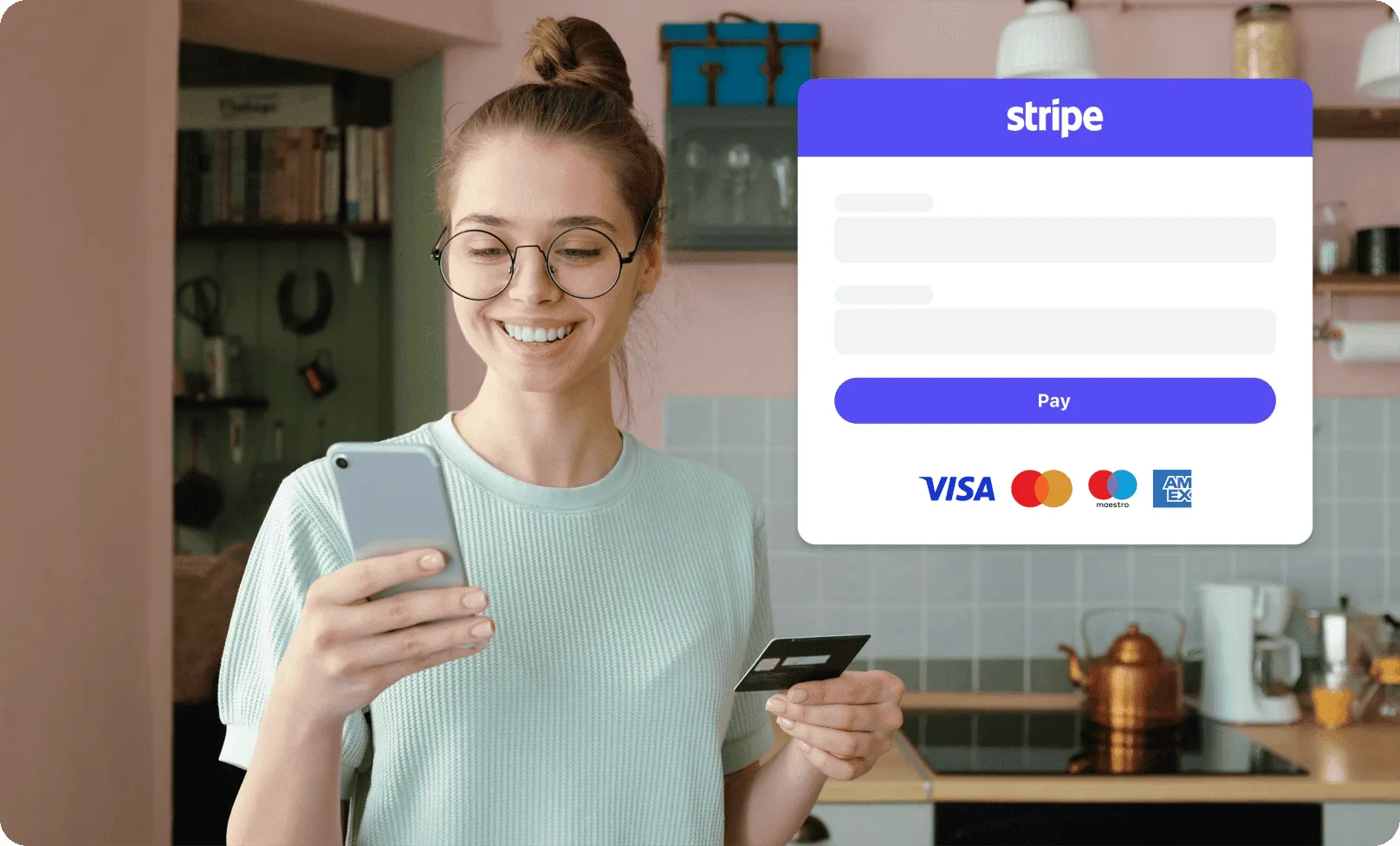
Credit card payments
Let clients pay online with any card.
Your clients can pay right when they book using Mastercard, Visa or any major card, just like shopping online.
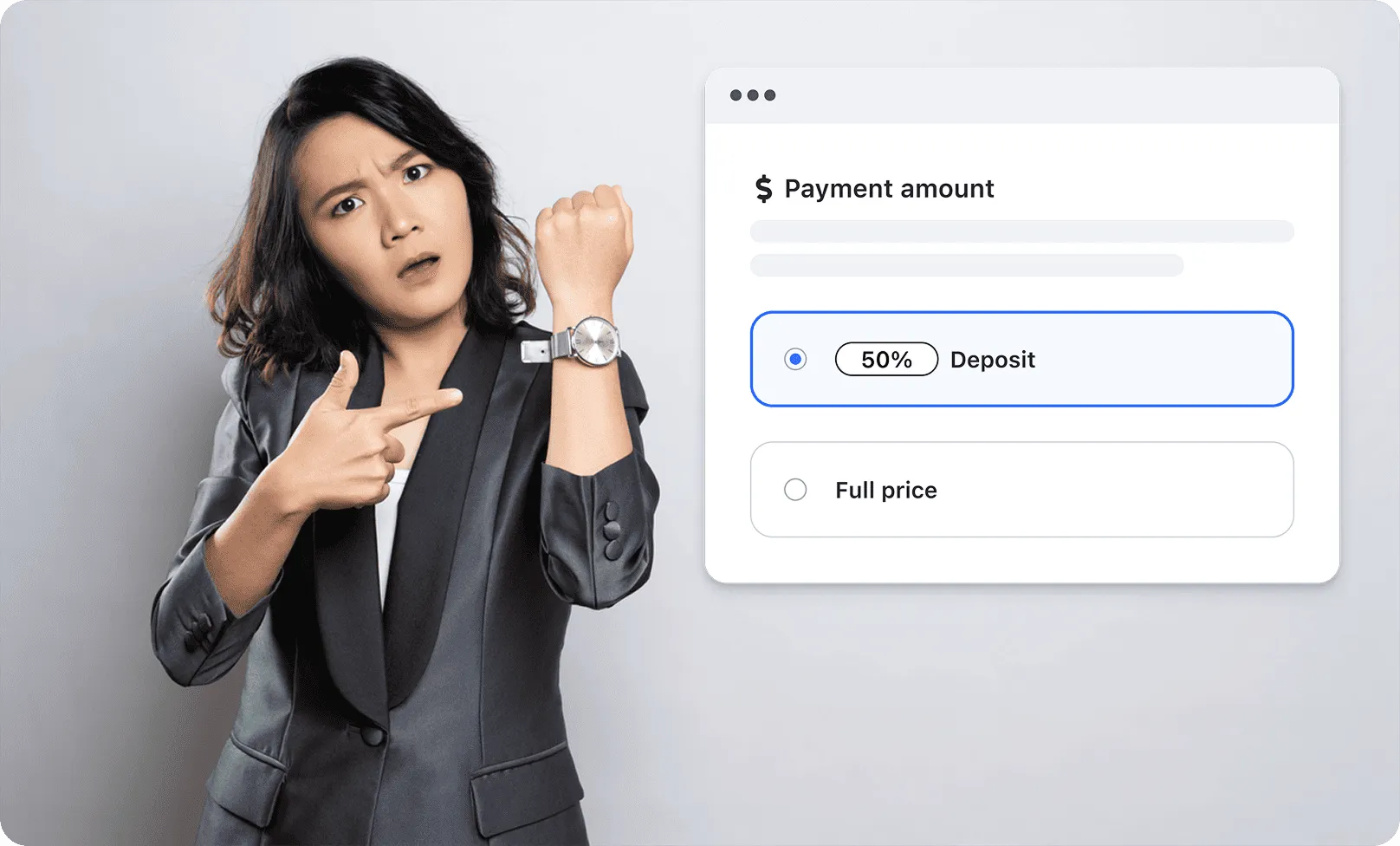
Deposit payments
Ask for a deposit to secure the appointment.
You decide if clients pay the full price or just a deposit. It's a great way to avoid last-minute cancellations.
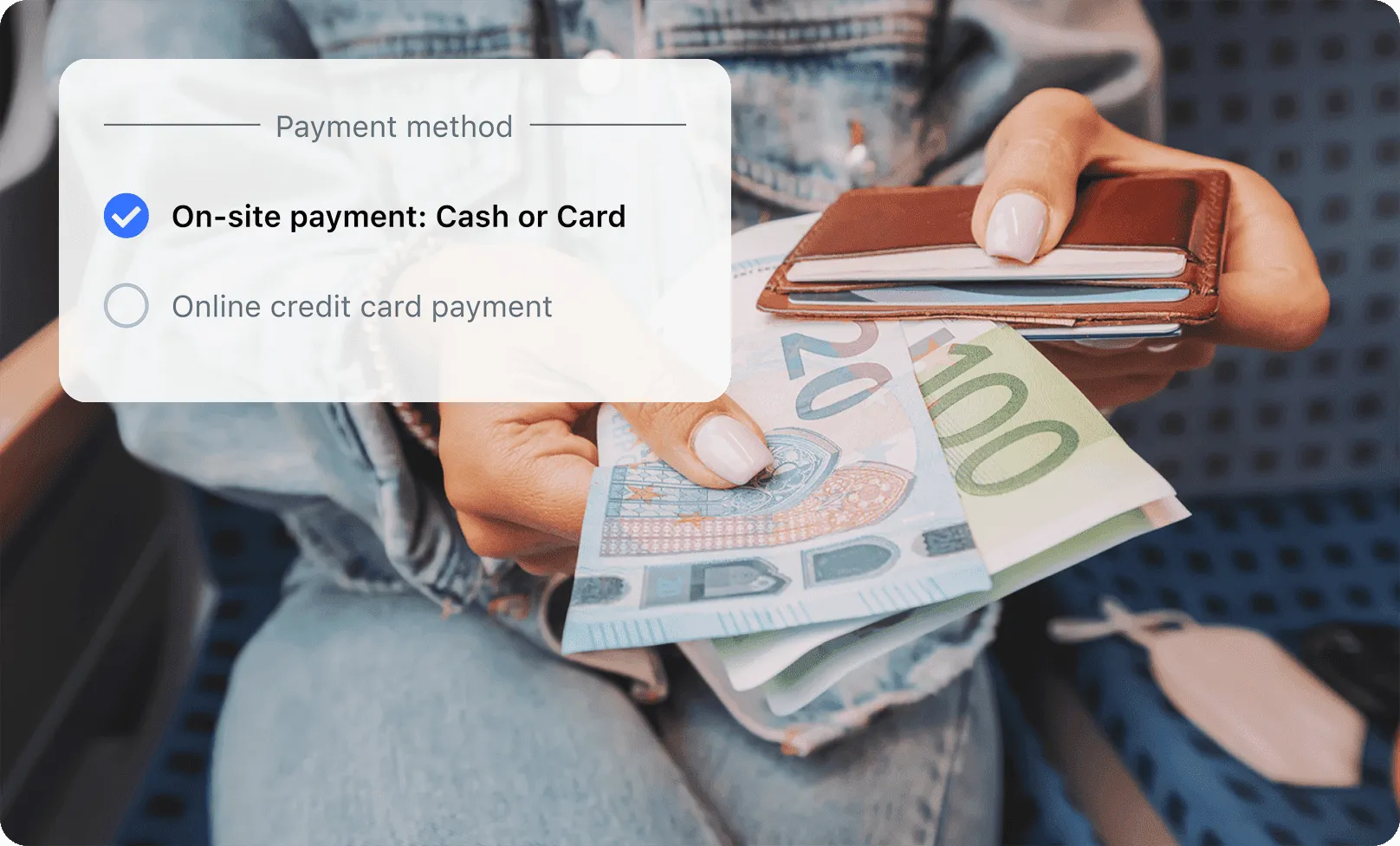
In-person payments option
Prefer cash or card on the spot? Totally fine.
Online payment is optional — you can still let clients pay on-site by cash or card.
FAQ
Clients pay online right when they book their appointment, making the process fast, secure, and commitment-based.
Yes! You can allow your clients to choose between paying online or in person — with cash or card — based on what works best for your business.
Not at all. Everything is built into Minup, and you’ll be guided step by step. No tech knowledge required.
Online payment is available in the Business plan. Check out Minup’s plans and pricing here
Minup does not charge any additional fees. You only pay Stripe’s standard transaction fees. Learn more about Stripe pricing
Absolutely. You can choose to charge the full price or just a deposit (percentage) at the time of booking.
Yes, but you don’t need to create an account beforehand. You can create a Stripe account directly inside Minup.
To accept payments, you’ll need a valid business, identification documents, and a connected Stripe account (which Minup helps set up).
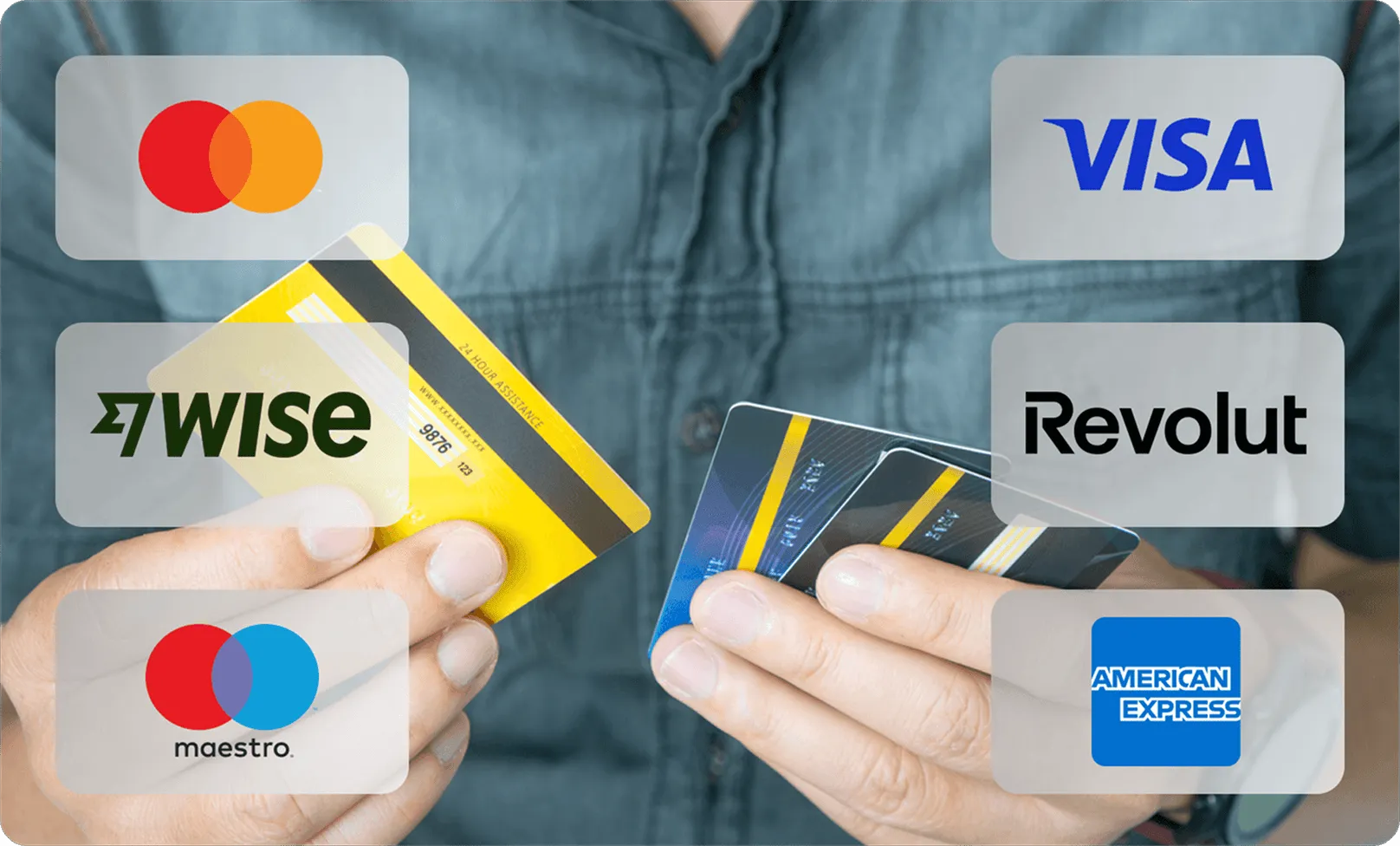
Yes! Stripe accepts all major credit and debit cards, including Visa, Mastercard, American Express, and more.
Yes — all payments are processed through Stripe, a trusted and secure global payment provider used by millions of businesses.
Not yet. Minup collects all the invoicing information from the client during booking, so you can easily use it in your own invoicing software.